How it works
How to install your eSIM
Installation happens once and takes under two minutes. Stay on Wi-Fi while you install.
-
1
Buy your plan
Choose destination and data allowance, enter your email, complete payment.
-
2
Receive your document
A PDF with your QR code, ICCID, PIN and PUK arrives within minutes.
-
3
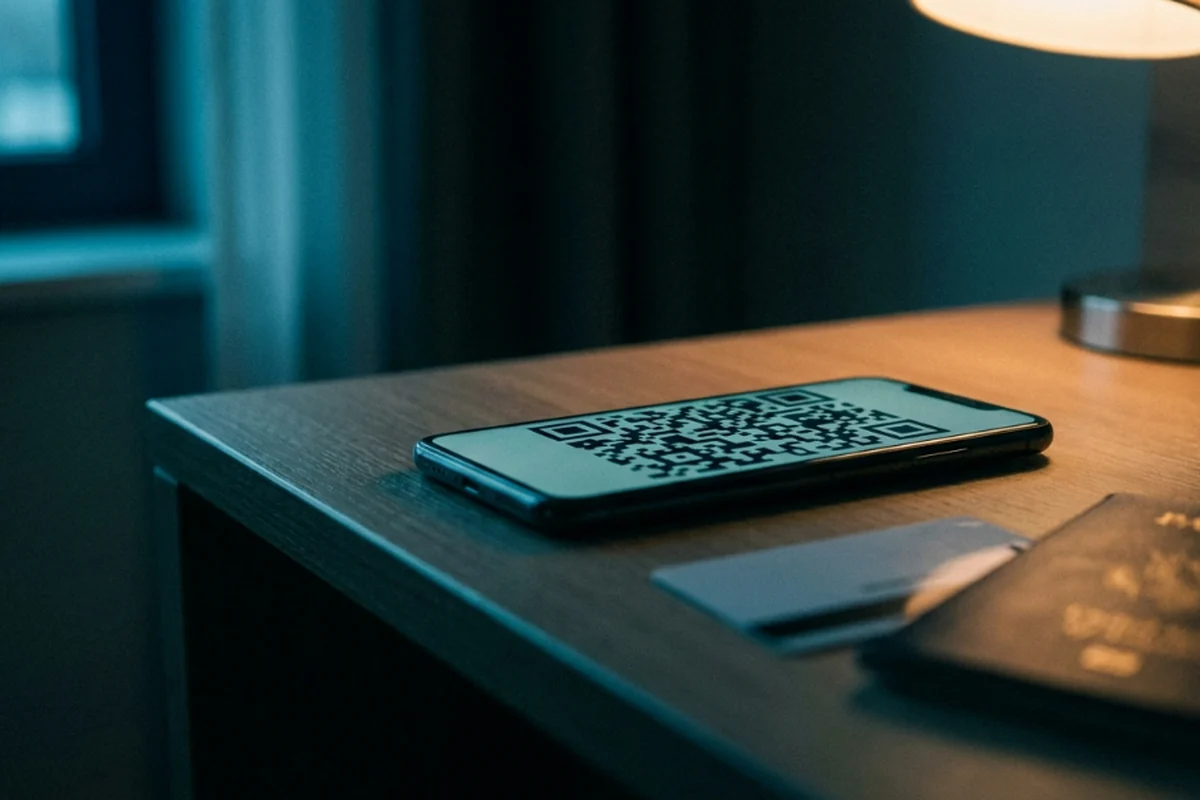
Scan the QR code
iPhone: Settings › Cellular › Add eSIM. Android: Settings › Network & internet › SIMs.
-
4
Turn on data roaming
Do not delete the eSIM profile after installing — the same QR cannot be used twice.
Frequently asked questions
Does my phone support eSIM?
iPhone XS and later, Google Pixel 3 and later, Samsung Galaxy S20 and later. Your phone must be carrier-unlocked.
Will my own number keep working?
Yes. The eSIM is added as a second line; your home number stays on your physical SIM and keeps receiving calls.
When does the plan start?
Not at installation — it starts when the eSIM first connects to a supported network at the destination. You can install over reliable Wi-Fi before departure or on arrival.
What if I can't install it?
We refund 100% within 30 days when supplier records show no activation or usage. Contact support first for technical problems.
It is installed but I have no data in Türkiye — what should I do?
On arrival your eSIM automatically picks the strongest signal among Turkcell, Türk Telekom and Vodafone; occasionally the phone shows as “connected” without actually getting data. First check that Data Roaming is on — on iPhone, Settings › Cellular › Cellular Data Options › Data Roaming — this is a separate switch from installing the eSIM itself. If you still have no data, select the network manually: on iPhone, Settings › Cellular › the eSIM line › Network Selection, turn off Automatic and wait for the scan to finish; on Android, follow Settings › Network & internet › Mobile network › Network operators (menu names vary by brand). Either way, choose Turkcell, Türk Telekom or Vodafone from the list.
Which network will I connect to in Türkiye?
The eSIM is not locked to one operator; it automatically selects whichever of Turkcell, Türk Telekom and Vodafone gives the strongest signal where you are. Coverage is dense in cities and tourist areas. Rural coverage differs between operators, and selecting the network manually usually resolves it.
Do the plans include calls and SMS?
Some Türkiye plans are data only, while others also include local calls and SMS. What each plan includes is shown next to it on the product page; where calls and SMS are included, the number of minutes and messages is stated separately.
How many GB should I buy?
It depends on how long you stay and what you use: maps and messaging consume little data, streaming and uploading video consume a lot. Rather than guessing, use the data calculator on the site — it asks how many days you stay and how often you use each kind of app, then adds a safety margin and shows the plans that cover it.
Do I need internet to install the eSIM?
Yes. Scanning the QR code and downloading the profile needs a connection, and that connection is your phone's existing one, not the plan you bought. The easiest way is to install over reliable Wi-Fi at home before departure. If you install on arrival, the airport's free Wi-Fi is enough. Validity starts when the eSIM first connects to a network in Türkiye, not when you install it.
Can I reinstall the eSIM if I delete it?
No. The same QR code cannot be used twice, so deleting the profile also removes the plan. If you need to reset your phone or remove the eSIM, contact support first.
Can I use the eSIM as a hotspot?
Yes. Our network partner allows tethering and sets no separate limit on hotspot use: turn on Personal Hotspot in your phone's settings and connect a tablet, a laptop or someone else's device. Shared data comes out of your plan's allowance — hotspot costs nothing extra, but it does use the allowance faster.